Downloading trigger packages
A package is a ready-made set of triggers that another player shared. Install one from the Trigger Library.
- Click the Triggers tab.
-
Click the blue Trigger Library button. A window called Trigger Library opens.
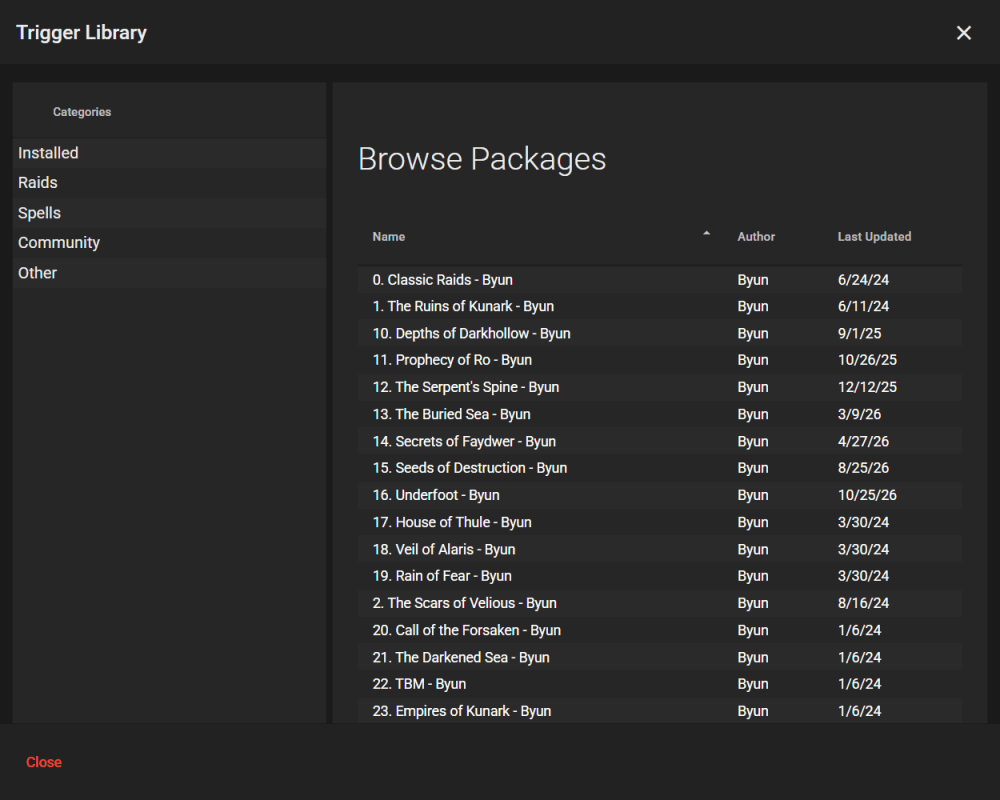
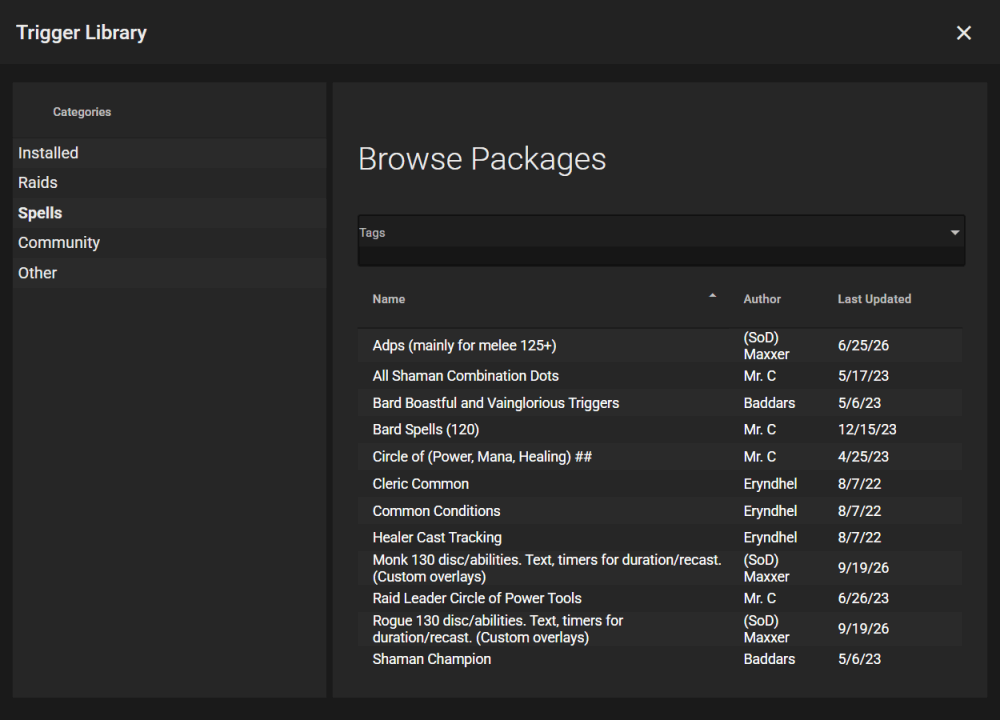
- On the left, under Categories, click a category. Installed shows what you already have.
-
Click a package in the list. The list shows Name, Author and Last Updated. Click Name or Author to sort by it.
-
Look at the package page. You will see its name, a description and every trigger in it.
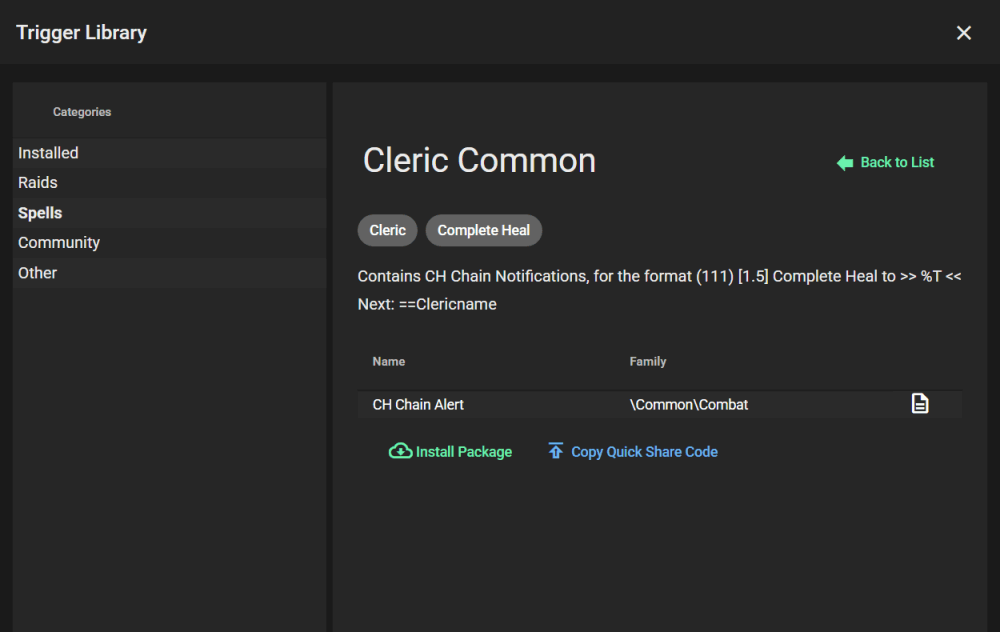
- To read more about one trigger, hover over the note icon at the end of its row.
- Scroll down and click the green Install Package button.
You will see the package’s triggers in your Triggers tab. The button becomes Uninstall Package.
Under the buttons, History lists what changed in each version of the package.
If Nag asks about a missing overlay
An overlay is the on-screen box where timers and alerts show up. Some packages use an overlay you do not have. Nag then opens a window called Missing an Overlay.
- Click Use Existing, pick one of your overlays under Existing Overlay, then click Use this overlay.
- Or click Copy to make a copy of the package’s overlay. Move and resize it, then click Done.
If you click Cancel, the package is not installed.
Click Back to List to return to the package list.
To share a package with a friend, click Copy Quick Share Code and send them the code. See Quick Share.